Traveling between US and Canada for World Cup: 5 eSIM & Tech Tips Traveling between US and Canada for World Cup matches is going to be an exhilarating experience, but it also presents a massive digital challenge. Unlike traditional tournaments held within a single country, the historic North American event requires fans to frequently hop […]
Disclaimer: This post contains affiliate links. We may earn a small commission if you make a purchase through them, at no extra cost to you. Read our full Affiliate Disclosure here.
Traveling between US and Canada for World Cup: 5 eSIM & Tech Tips
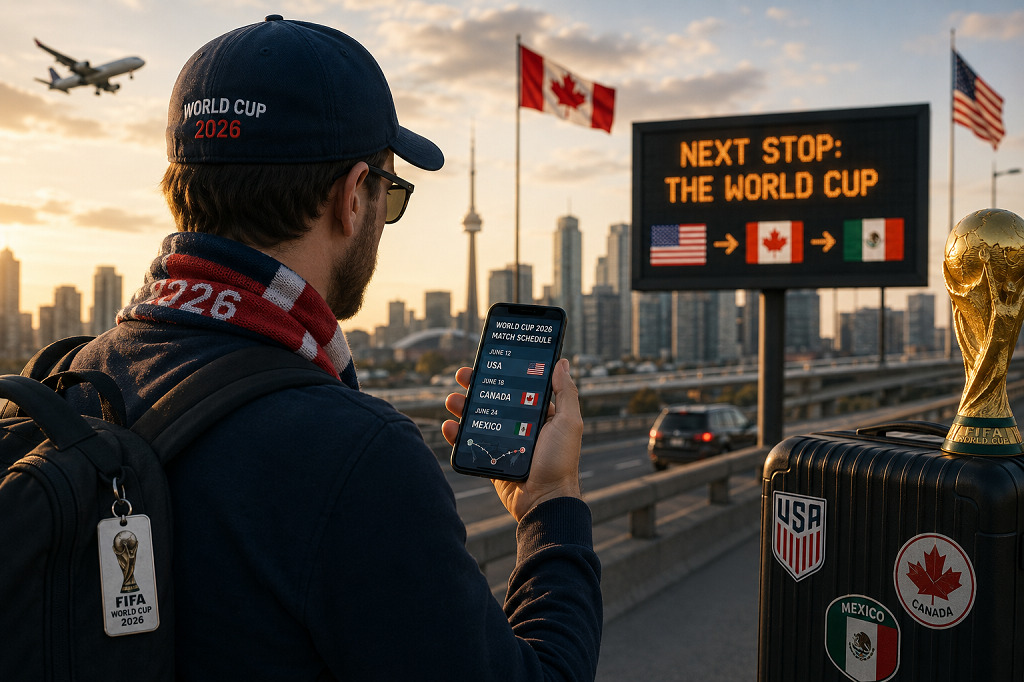
Traveling between US and Canada for World Cup matches is going to be an exhilarating experience, but it also presents a massive digital challenge. Unlike traditional tournaments held within a single country, the historic North American event requires fans to frequently hop across international borders.
Imagine watching a high-stakes group stage match at Seattle’s Lumen Field, only to rush to the airport for a knockout game at Vancouver’s BC Place or Toronto Stadium just 48 hours later.
If your smartphone dies, your data roaming drops, or your portable charger gets confiscated at airport security, your dream trip can instantly devolve into a logistical nightmare.
To help you maintain a flawless digital connection, this guide breaks down the absolute best cross-border tech and data connectivity solutions. Here is how to handle traveling between US and Canada for World Cup games without losing your signal or your sanity.
Eliminate Roaming Fees with Cross-Border North American eSIMs
The biggest mistake you can make when traveling between US and Canada for World Cup matches is relying on your domestic carrier’s standard international roaming. Traditional roaming fees across the US-Canada border can accumulate hundreds of dollars in hidden charges within days.
Instead of dealing with physical SIM cards or expensive carrier add-ons, the smartest move is deploying a regional North American eSIM before you depart.
- Twise eSIM North America: This is the top overall pick for cross-border transit. It provides a single, unified prepaid data plan that works seamlessly across the USA, Canada, and Mexico. You do not have to swap SIM cards or reactivate anything when crossing from Seattle into Vancouver. It hooks directly into major local networks like T-Mobile/AT&T in the US and Rogers in Canada.
- Jetpac eSIM: An excellent budget-friendly alternative that explicitly covers both the US and Canada. As a massive bonus for tournament travelers, Jetpac provides complimentary airport lounge access if your cross-border flight experiences a delay—a feature no other provider offers.
- Airalo (Chang Myan Plan): Airalo offers highly reliable regional North American bundles. If you only need a fixed block of data (like 10GB or 20GB for a 30-day stay) to track scores and navigate via GPS, Airalo delivers excellent value.
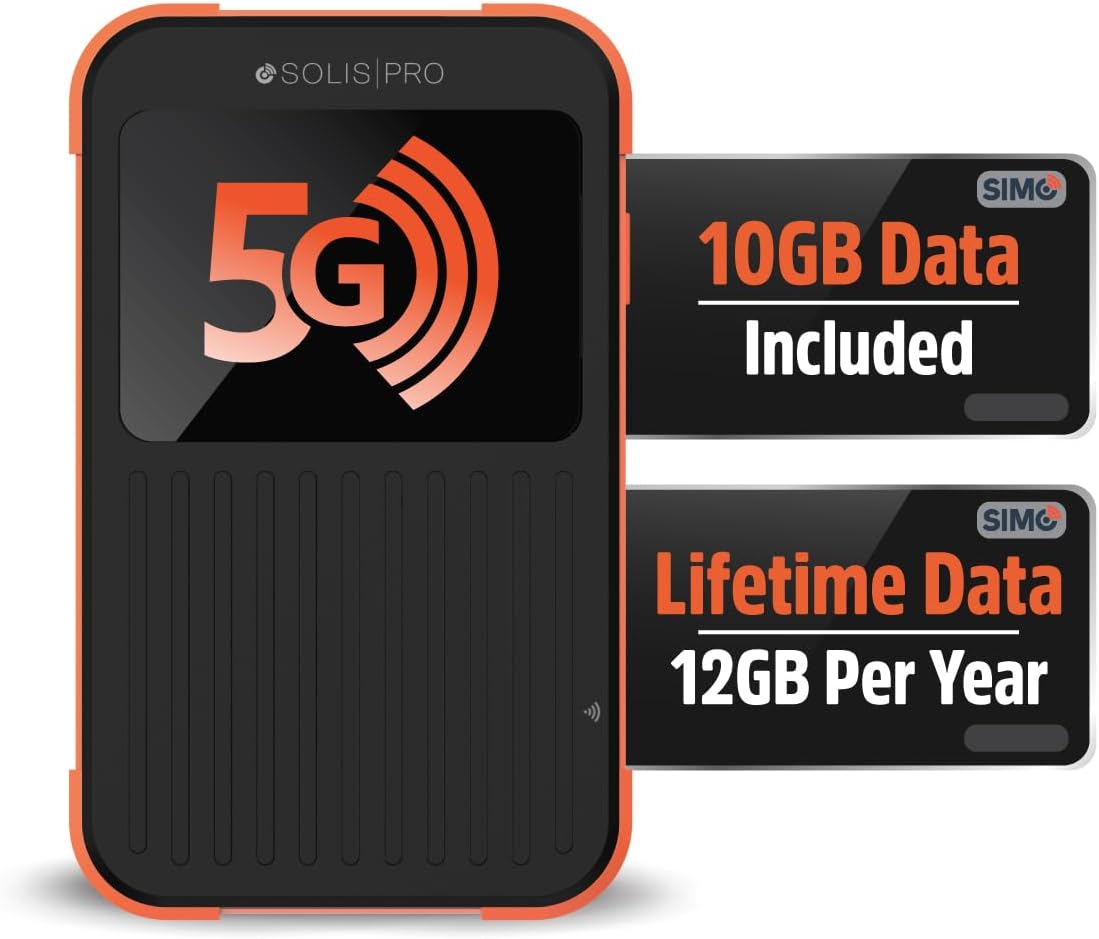
Understand Network Switching at the Border
When traveling between US and Canada for World Cup cities, your device must transition between completely different telecommunications infrastructures.
If you are taking a cross-border train (like the Amtrak Cascades from Seattle to Vancouver) or driving across the Peace Bridge near Toronto, your phone will temporarily lose connection as it searches for a new tower.
Pro Connectivity Tip: Once you cross the border, do not panic if your internet drops. Go into your smartphone’s Cellular Settings, ensure “Data Roaming” is toggled ON for your active eSIM, and restart your device. This forces your phone to immediately register with local Canadian networks like Rogers, Telus, or Bell.
For official details regarding cellular regulations and traveler entry metrics, check the Official Government of Canada Travel Portal or verify cross-border commuter updates via the Official US Customs and Border Protection Portal.
Audit Your Power Banks for Airport Security
Long transit days flying between US and Canada host cities will drain your smartphone battery rapidly. You will be constantly scanning digital match tickets, navigating unfamiliar transit systems, and uploading videos from the fan zones. A high-capacity power bank is non-negotiable.
However, airport security agents in both the US (TSA) and Canada (CATSA) strictly regulate lithium-ion batteries.
- The 100 Watt-Hour Rule: Your power bank must have a capacity below 100Wh to be allowed in your carry-on luggage. For context, a standard 20,000mAh portable charger sits around 74Wh, which is perfectly safe. Anything exceeding 27,000mAh might get flagged and confiscated.
- Carry-On Only: Never pack your portable chargers in your checked luggage. Doing so violates international aviation safety laws and will result in your bags being delayed or searched.

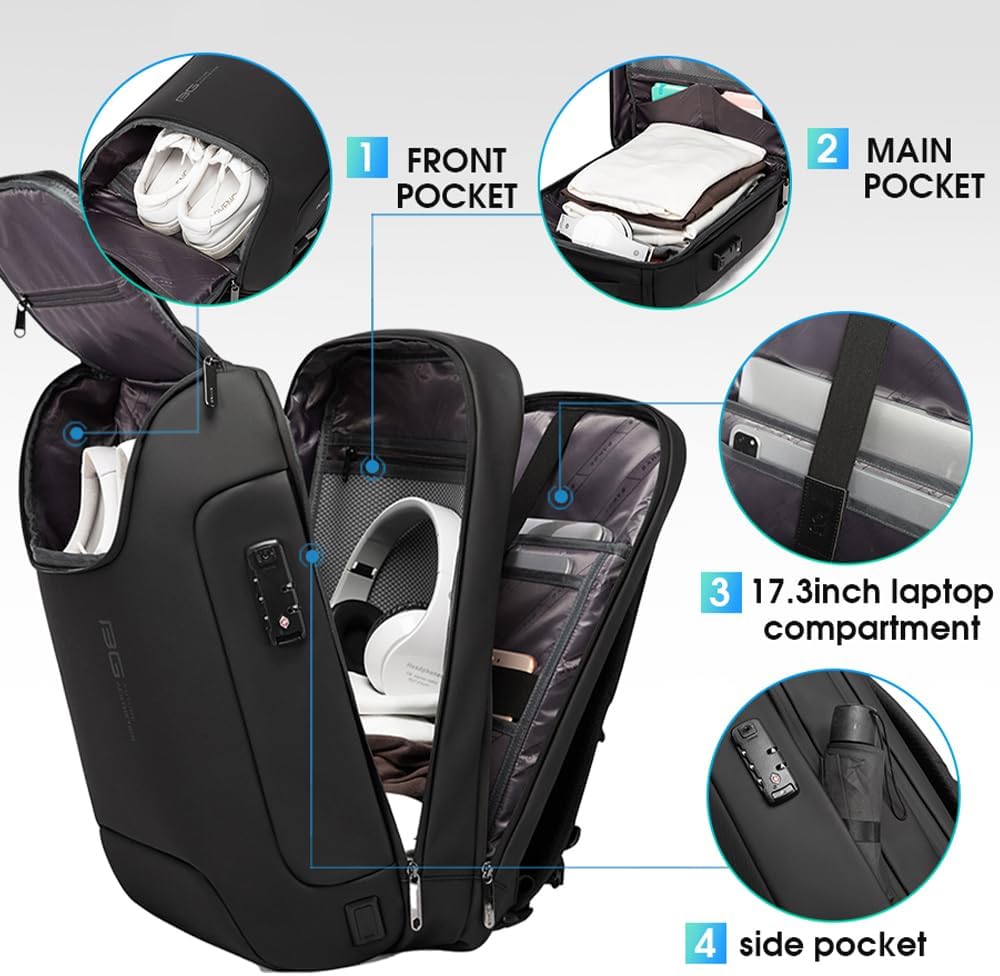
Comply with Rigid Stadium Tech and Clear Bag Policies
Once you successfully navigate traveling between US and Canada for World Cup venues, you still have to pass through intense security gates at the stadiums. FIFA enforces highly specific tech limitations inside the arenas.
| Venue / Stadium | Location | Strict Tech & Bag Restrictions |
| BC Place / Toronto Stadium | Canada | Clear Bag Policy (12”x6”x12” maximum). No professional detachable lenses. |
| Lumen Field / MetLife Stadium | USA | Opaque bags banned. Power banks must fit completely inside your pocket. |
Heavy Camera Gear is Prohibited
Do not bring professional DSLRs, mirrorless cameras, tripods, or gimbals to the stadium gates. Security will turn you away unless you possess official FIFA media credentials. Stick to high-end smartphones and compact pocket stabilizers to capture your match-day memories.
5. Secure Your Digital Assets on Public Stadium Wi-Fi
Stadium networks will be incredibly congested during match days. While venues like Vancouver’s BC Place offer public fan Wi-Fi, connecting to open networks alongside 50,000 strangers exposes your digital data to cyber risks.
If you are logging into banking apps, managing digital ticket transfers, or accessing work emails while traveling between US and Canada for World Cup events, using a secure Virtual Private Network (VPN) is vital.
A mobile VPN encrypts your connection, ensuring that malicious actors sitting on the same stadium network cannot intercept your passwords or personal data.

Summary: Stay Charged, Stay Connected
Successfully traveling between US and Canada for World Cup matches requires treating your technology with the same level of planning as your match tickets. By downloading a reliable cross-border eSIM like Twise or Jetpac before departure, keeping your power banks carry-on compliant, and protecting your data on public networks, you can eliminate logistics anxiety entirely.
For more international transit and gear strategies, be sure to explore our comprehensive checklist on preparing your tech for international flights Tech Reviews & Picks.
Are you attending matches in both the US and Canada? Which eSIM provider are you planning to use? Let us know in the comments below!
Travel Essentials for Your Trip
Make your journey smoother with our top-rated travel gear and travel technology recommendations.
More Travel Guides

Table of Contents
Latest Articles
 How to Protect Your Tech While Traveling: 5 Smart Anti-Theft Tips
 World Cup 2026 Transit Guide: 5 Border Crossing Tech Rules
 World Cup Cross Border Travel: 5 Crucial Logistics Tips
 World Cup 2026 Travel Guide: Top US Destinations to Explore Between Matches
 Traveling to the USA for World Cup: The Ultimate Fan Survival Guide
Popular Reviews

Alpha Keeper Money Belt Review: 1 Best Hidden Travel Wallet?

Derila Ergo Cervical Neck Pillow Review: 1 Best Sleeping Solution?

Owala FreeSip Water Bottle Review: 1 Best Travel Companion in 2026?
USPECLARE Clear Purse Review: 1 Best Stadium Approved Crossbody Bag?