Table of Contents

Disclaimer: This post contains affiliate links. We may earn a small commission if you make a purchase through them, at no extra cost to you. Read our full Affiliate Disclosure here.
How to Stay Connected While Traveling: 5 Smart Ways to Avoid Roaming Fees
Let’s be honest: the definition of a ruined vacation has evolved. Today, it’s no longer just about losing your luggage or dealing with bad weather—it’s about looking down at your phone and seeing “No Service” when you’re trying to call an Uber in a foreign country or pull up your digital hotel reservation.
Staying online isn’t just about posting Instagram stories anymore; it’s a matter of safety, navigation, and digital survival.
However, figuring out how to stay connected while traveling without returning home to a $500 phone bill can be incredibly confusing. Between international roaming plans, data-hungry apps, and spotty public Wi-Fi, the tech landscape is tough to navigate.
This ultimate travel tech guide will show you exactly how to stay connected while traveling safely, efficiently, and on a budget.
1. The Modern Loophole: Leverage International eSIMs
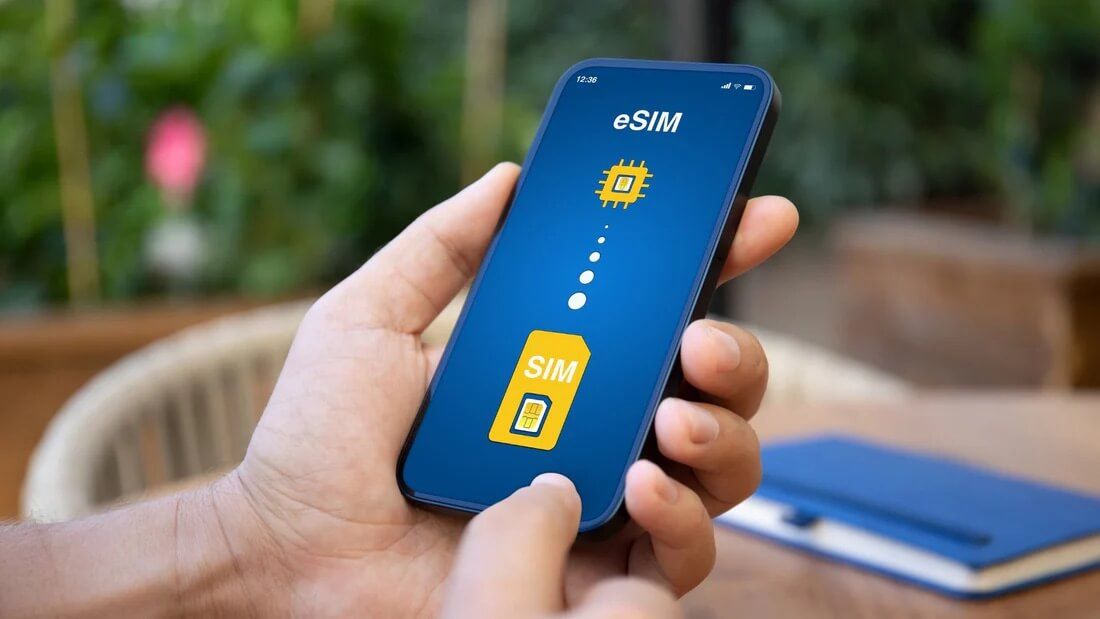
If you own a modern, carrier-unlocked smartphone, the absolute easiest answer to how to use esim abroad and stay online is switching to a digital SIM card.
Instead of hunting down a sketchy cellular kiosk at a foreign airport terminal, an eSIM allows you to download a local data plan directly to your device via an app before you even pack your bags.
- The Pro Move: Keep your primary home SIM card active just to receive 2-factor authentication (2FA) text messages from your bank, but completely turn off its “Data Roaming” toggle. Set your secondary eSIM as your exclusive cellular data provider.
- Who it’s for: Solo travelers or couples who want instant data the second the plane wheels touch the runway.
2. The Group Traveler’s Holy Grail: Portable Pocket Wi-Fi
What happens if your phone is carrier-locked, your tablet doesn’t support eSIM, or you are traveling with a family of four? Buying separate cellular plans for everyone will destroy your travel budget.
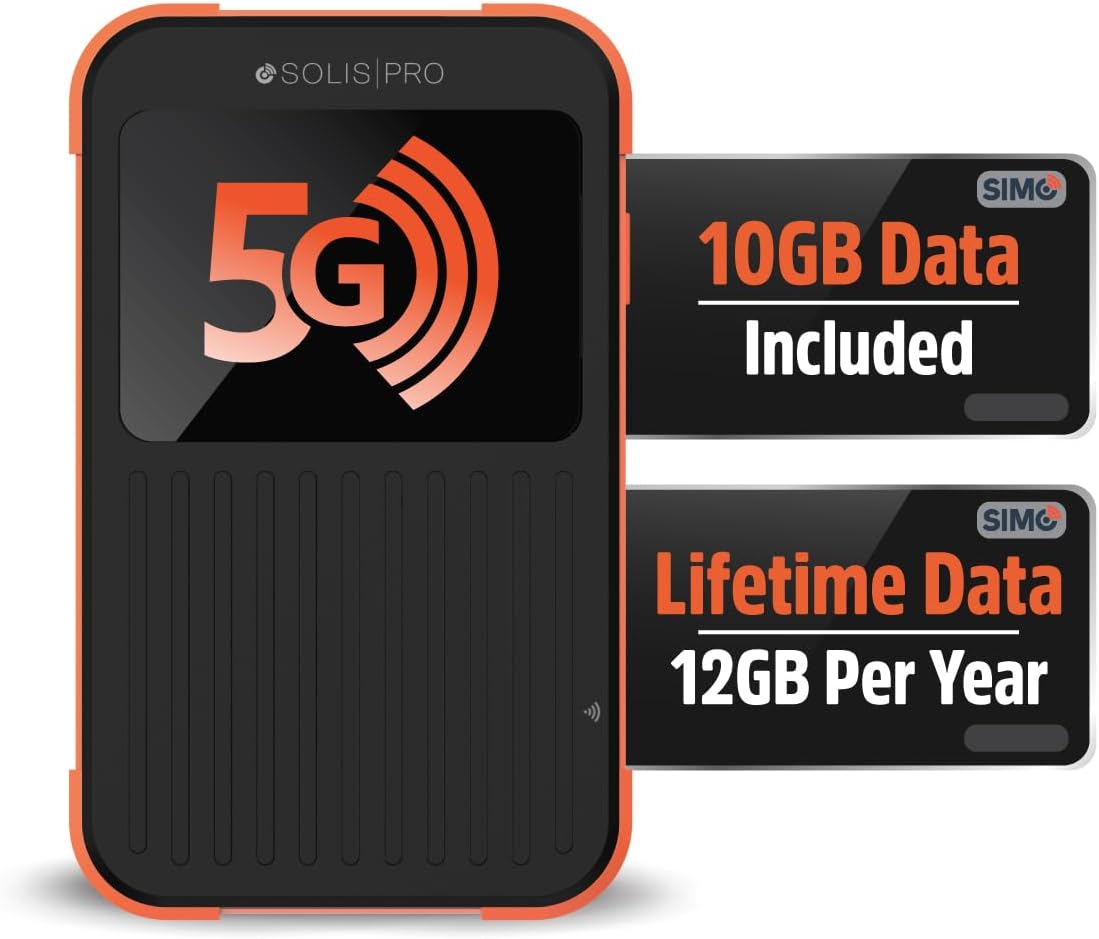
This is where investing in smart travel technology like a mobile hotspot (Pocket Wi-Fi) completely changes the game.
These pocket-sized devices act as your private, portable internet connection. They connect to local cellular towers and broadcast a secure, password-protected Wi-Fi network that up to 10 devices can share simultaneously.
Stop paying for multiple data plans: If you are traveling with kids or working remotely from your laptop, a personal hotspot is the most reliable strategy for how to stay connected while traveling. Check out our hands-on Best Pocket Wi-Fi for International Travel Review to find the top-performing, contract-free global hotspot devices.
3. The Bulletproof Alternative: Prepaid Physical SIM Cards
While the tech world is pushing hard toward digital options, learning how to stay connected while traveling with a traditional, physical plastic SIM card is still a bulletproof strategy—especially for budget-conscious adventurers.
Many travelers don’t realize that you can purchase official, prepaid international SIM cards on Amazon weeks before your departure date. They arrive at your house, and you simply pop them into your phone once your flight lands.
- The Advantage: Physical SIM cards bought on Amazon are often significantly cheaper per gigabyte than tourist eSIM apps, and they almost always include a local phone number, allowing you to call local restaurants, hotels, or emergency services.
Old school but reliable: If your device is an older model or you want guaranteed cheap bulk data, a physical card won’t let you down. Read our highly researched guide on the Best Prepaid International SIM Cards on Amazon to find the perfect carrier for your destination.
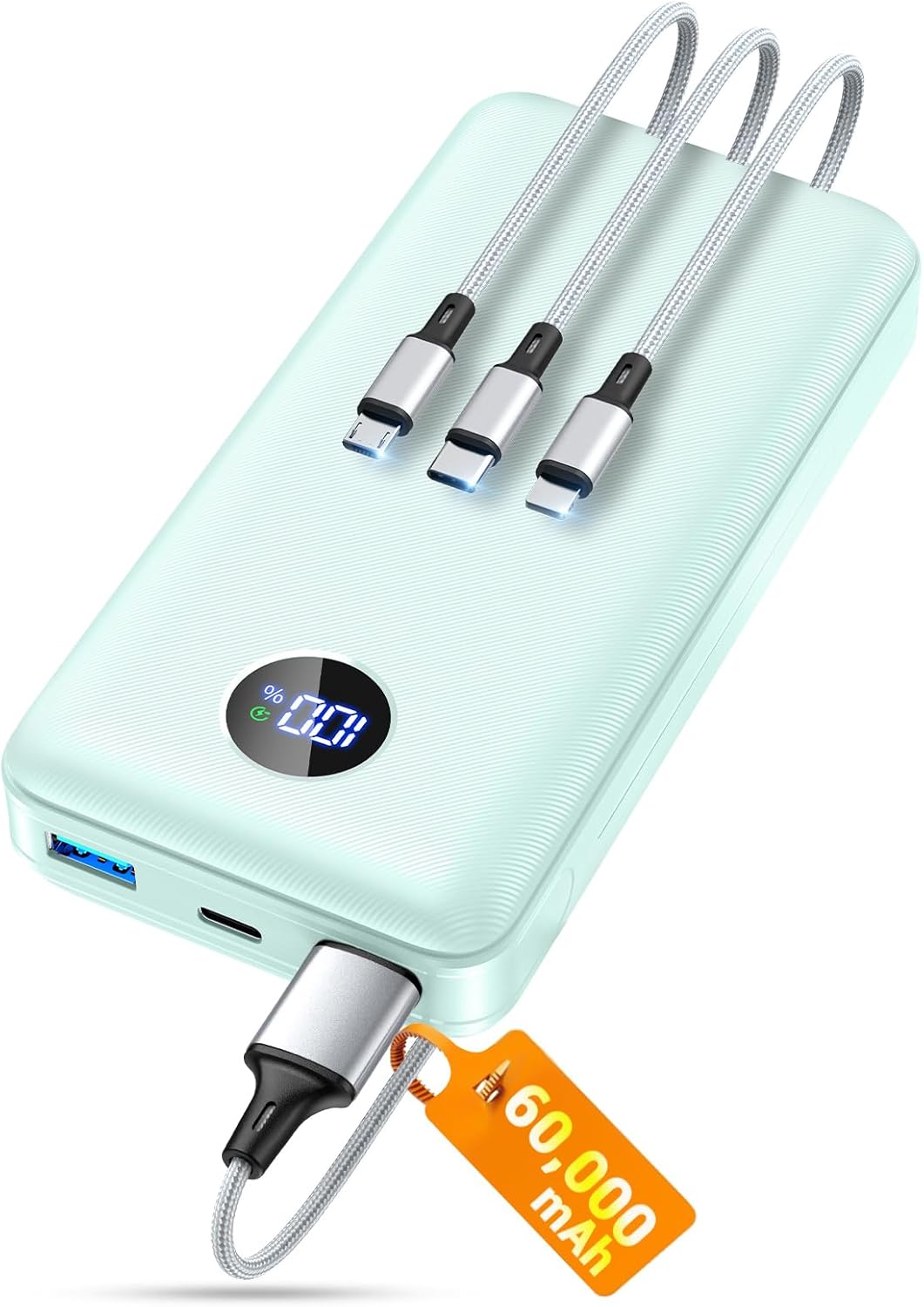
4. Power Security: Protect Your Lifeline
You can buy the most expensive data plan in the world, but it won’t matter if your phone dies at 2:00 PM while you’re stranded in the middle of Rome. A crucial part of knowing how to stay connected while traveling is ensuring your hardware never runs out of juice.
High-Capacity GaN Portable Chargers
Do not rely on the slow, USB ports on airplanes or trains. You need a fast-charging portable power bank (at least 10,000mAh to 20,000mAh) that features USB-C Power Delivery (PD). This ensures you can charge your smartphone back to 50% in under 30 minutes.
Never see 1% again: A dead phone means losing your maps, your tickets, and your safety net. We stress-tested the top-rated airplane-safe charging bricks for speed and weight. Read our full Anker Power Bank 20K Review to find your perfect travel power match.
5. Public Wi-Fi: The Danger of “Free Internet”
When looking up ways on how to stay connected while traveling, it is incredibly tempting to just connect to free public Wi-Fi at airports, train stations, and coffee shops.
Don’t do it without protection. Open public networks are playground hotspots for hackers looking to steal unencrypted data, passwords, and credit card numbers.
If you must use public Wi-Fi, always follow these two rules:
- Turn off auto-connect: Prevent your phone from automatically linking to unverified open networks as you walk through a city.
- Fire up a VPN: A Virtual Private Network creates an encrypted tunnel for your data, keeping your passwords completely safe from prying eyes on the same network.
Quick Packing Checklist: Your International Connectivity Kit
Before you head to the airport, make sure you have checked off these best travel gadgets for connectivity:
- [ ] Unlocked Smartphone (Verified with your domestic carrier)
- [ ] eSIM Profile Downloaded OR Prepaid Physical SIM Packed
- [ ] Global Pocket Wi-Fi Router (Fully charged)
- [ ] 10,000mAh+ Fast-Charging Power Bank
- [ ] Premium Virtual Private Network (VPN) App Installed
- [ ] Offline Google Maps (Downloaded for your destination city while still on home Wi-Fi)
Final Thoughts: Smart Travel Starts with Smart Tech
Learning how to stay connected while traveling isn’t about being glued to your screen during a beautiful trip; it’s about eliminating the anxiety of getting lost or stranded. By pairing the right data strategy (like an eSIM or Pocket Wi-Fi) with solid power backups, you ensure a smooth, safe, and stress-free journey.
Before you buy your gear for your next adventure, make sure to read our extensive, real-world field tests in our Tech Travel Guides Section so you don’t waste money on hardware that doesn’t work abroad.
What’s your go-to method for getting internet data when you cross international borders? Let us know in the comments below!
Looking for Recommended Travel Gear?
Explore our expert reviews and buying guides for travel gear and travel technology.