Table of Contents
Disclaimer: This post contains affiliate links. We may earn a small commission if you make a purchase through them, at no extra cost to you. Read our full Affiliate Disclosure here.
How to Use eSIM Abroad: 5 Smart Ways to Stay Connected Safely
Let’s be honest: traveling today is just as much about digital survival as it is about packing the right clothes. Whether you’re navigating the bustling streets of Tokyo, working from a beachside cafe in Lisbon, or catching a long-haul flight across the Atlantic, your technology can either make or break your experience.
But staying connected, powered up, and secure on the road requires more than just throwing your phone charger into a backpack.
If you want to avoid insane roaming fees from your domestic carrier, learning how to use eSIM abroad is the absolute best place to start. This comprehensive travel tech guide breaks down the practical steps on how to use eSIM abroad, contrasts eSIM vs physical SIM cards, and helps you choose the absolute best connectivity setup for your specific travel style.
1. What is an eSIM and How Does it Work for International Travel?
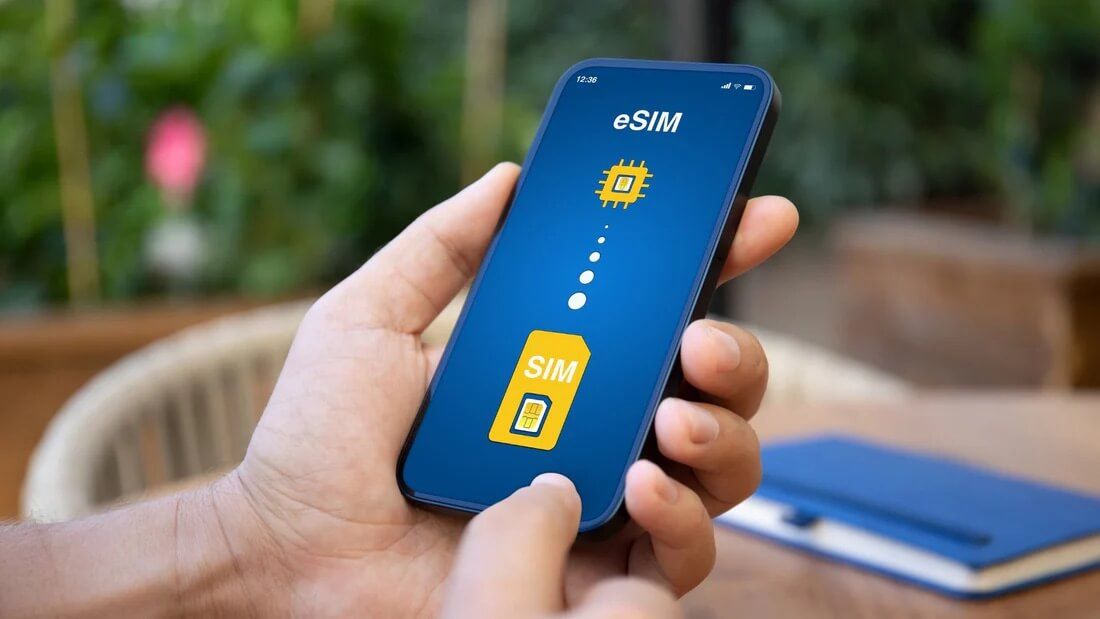
An eSIM (embedded SIM) is a digital SIM that allows you to activate a cellular data plan without having to use a physical plastic nano-SIM card. Instead of swapping chips, you simply download a data profile onto your phone via a QR code or a travel app.
When you figure out how to use eSIM abroad correctly, the experience feels like magic. You buy a plan for your destination (e.g., Europe, Japan, or Vietnam), install it while sitting on your couch at home, and the second your flight touches down, you have local data.
The Catch: Is Your Phone Actually Compatible?
Before you look up guides on how to use eSIM abroad, you must check two critical things:
- Is your phone unlocked? If you are still paying off your phone through AT&T, Verizon, or T-Mobile, your device is likely “carrier-locked.” A locked phone cannot use an international eSIM.
- Does your phone support eSIM? While most modern iPhones (iPhone 11 and newer) and Samsung Galaxies support it, older devices or budget Android models do not.
2. Step-by-Step: How to Use eSIM Abroad Without Issues
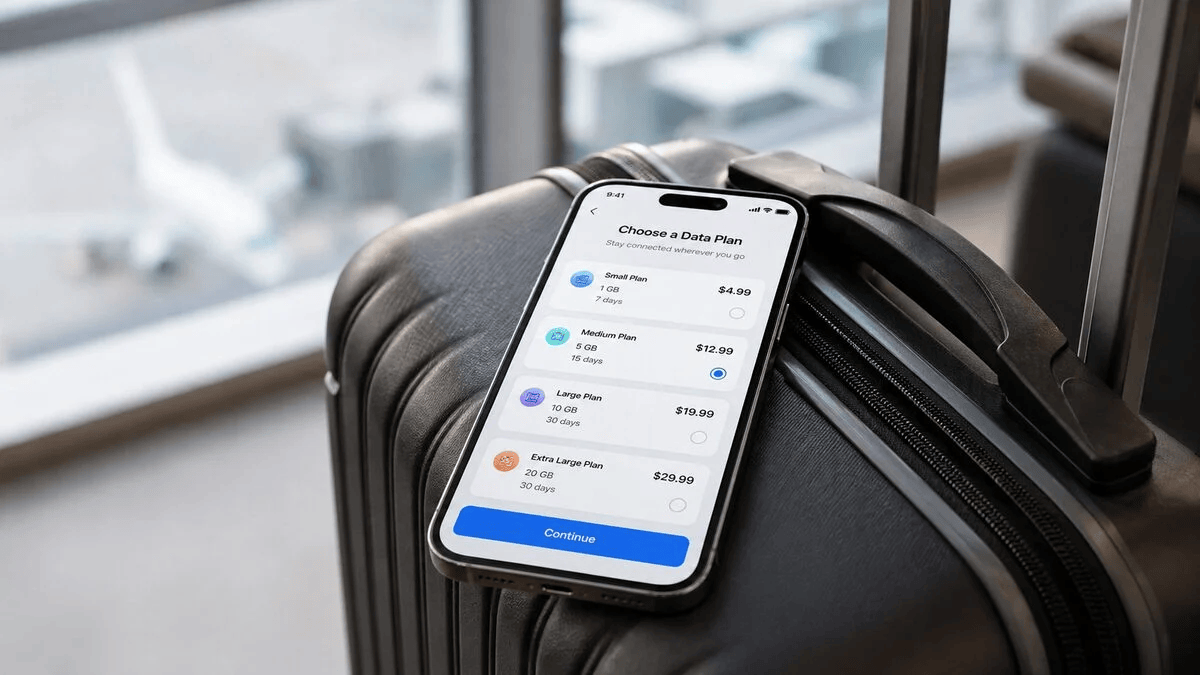
To ensure you don’t lose connection in the middle of a foreign transit hub, follow this exact setup guide. This is the foolproof method for how to use eSIM abroad used by seasoned digital nomads:
Step 1: Install BEFORE You Leave
Never try to install an eSIM using weak airport Wi-Fi. Download the eSIM app (like Airalo, Nomad, or Holafly) and install the cellular profile while you are still on your secure home Wi-Fi network the night before your flight.
Step 2: Label Your SIMs Clearly
Go to your phone’s cellular settings. Label your home SIM as “Primary” and your new international eSIM as “Travel”.
Step 3: Turn Off Data Roaming on Your Primary SIM
The most important rule of how to use eSIM abroad is avoiding accidental roaming fees. Go into settings and switch Data Roaming OFF for your Primary SIM, but keep the line active if you need to receive 2FA text messages from your bank. Then, set your Cellular Data source exclusively to your “Travel” eSIM.

3. eSIM vs Physical SIM Cards vs Pocket Wi-Fi: Which is Best for You?
While learning how to use eSIM abroad is incredibly convenient, digital cards aren’t always the smartest or cheapest choice for every traveler. Let’s look at the alternatives that might actually save you money and headaches.
| Feature | International eSIM | Prepaid Physical SIM | Portable Pocket Wi-Fi |
| Best For | Solo travelers with unlocked, modern phones. | Travelers with older/locked phones or budget trippers. | Families, groups, or remote workers with multiple devices. |
| Pros | No physical swapping; instant setup. | Guaranteed compatibility; cheaper bulk data options. | Connects up to 10 devices at once; no phone compatibility stress. |
| Cons | Doesn’t support older phones; no local phone number. | Easy to lose your tiny home SIM card chip. | You have to carry and charge an extra small device. |
4. The Smart Alternatives: What to Buy on Amazon If eSIM Isn’t Option
If your phone is carrier-locked, doesn’t support eSIM, or you are traveling with family and don’t want to buy 4 separate data plans, Amazon has some incredible, reliable solutions that you can prepare before your trip.
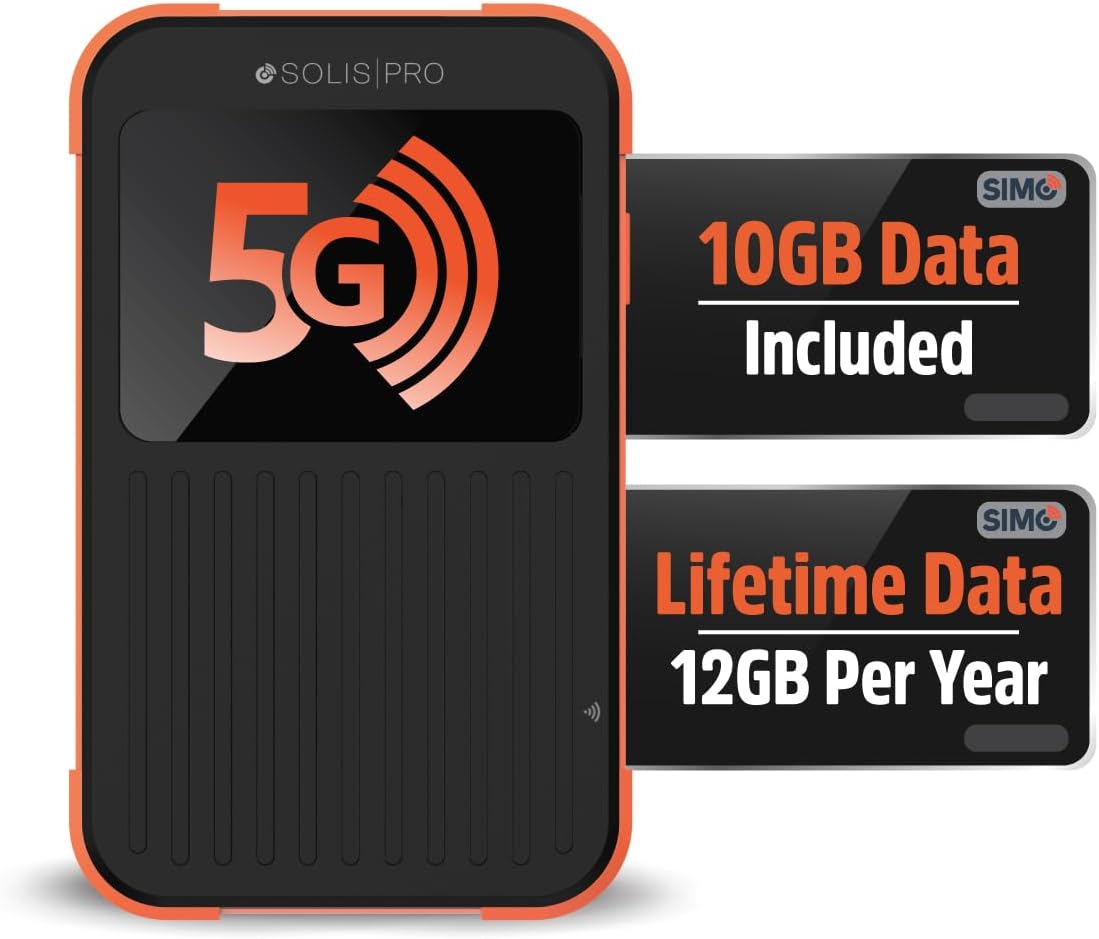
Option A: The “Group Travel” Savior – Portable Pocket Wi-Fi
Instead of researching how to use eSIM abroad for your phone, your spouse’s phone, and your kids’ iPads, you can buy a Portable Mobile Hotspot (Pocket Wi-Fi) on Amazon. You turn it on, and it broadcasts a secure, private Wi-Fi network that handles up to 8–10 devices simultaneously.
Stop paying for multiple data plans: If you’re traveling with family or working from your laptop abroad, a portable router is far more reliable than an eSIM. Check out our comprehensive Best Pocket Wi-Fi for International Travel Review to see the top-rated local hotspot devices that operate globally without a SIM card.
Option B: Pre-Paid Physical SIM Cards (Buy Before You Fly)
Did you know you can buy official European, Asian, or Latin American physical SIM cards directly on Amazon? If your phone lacks the specs required for how to use eSIM abroad, these are often significantly cheaper per gigabyte than eSIM apps, and they arrive right at your doorstep before you even pack your bags.
Old school, but bulletproof: If your phone is older or you want a guaranteed local phone number to call local restaurants or Uber drivers, a physical prepaid card is your safest bet. Read our curated list of the Best Prepaid International SIM Cards on Amazon to find the exact network carrier for your destination.
Final Thoughts: Choose the Setup That Fits Your Trip
Mastering smart travel technology means knowing your gear limitations. If you have a brand-new, unlocked iPhone, knowing how to use eSIM abroad will save you tons of time. But if you’re traveling as a family, have multiple laptops, or have a carrier-locked device, investing in a high-quality pocket Wi-Fi or a pre-paid Amazon SIM is the real pro-traveler move.
Before you make a purchase, make sure to read our hands-on hardware testing in our Tech Travel Guides Section to ensure your gear works perfectly in your destination country.
How do you stay connected when you travel? Drop your favorite hacks in the comments below!
Looking for Recommended Travel Gear?
Explore our expert reviews and buying guides for travel gear and travel technology.